
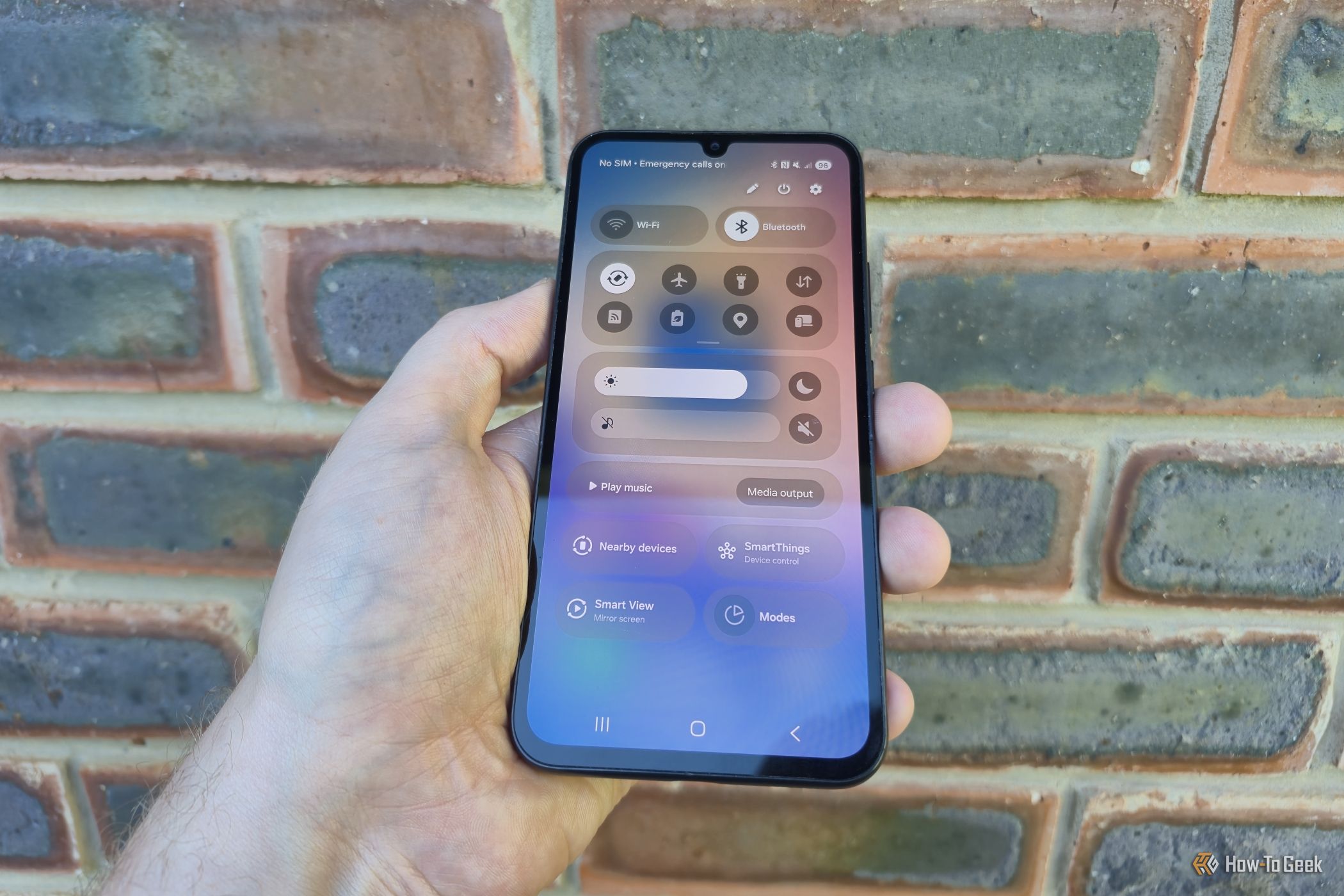
For a long time, the way to access your notifications and quick settings on a Galaxy device was the same. You swipe down once for notifications and a second time for settings. It was intuitive and simple, and that was the way that just about everybody liked things to be. Then Samsung decided to change things.


